Geocaching Buddy Lists: What They Are and How to Use Them

A "buddy list" is the colloquial term used in geocaching for the official friends list on Geocaching.com. It allows you to follow the activities, logs, and finds of acquaintances directly on the platform. You won't find the term "buddy list" in the official rules of Geocaching.com. It simply became common usage within the German-speaking community.
Pro Tip: Use your friends list as a quick "phone-a-friend" lifeline. Before you give up on a tricky cache, take a quick look to see who on your list has already found it. This way, you know immediately who you can call.
Table of Contents
- What exactly is the Geocaching buddy list?
- How do logs, leaderboards, and @-mentions work?
- How to really use the friends list in daily life
- Friends list vs. bookmark list: What's the difference?
- Where does the term "buddy list" come from?
- Data privacy: What do your friends see on Geocaching.com?
- Adding or removing a friend on Geocaching.com
- Why is the friends list really worth it?
- Key takeaways
- My assessment of the friends list
- Well-equipped for caching with friends
What exactly is the Geocaching buddy list?
In the official rules, the feature is simply called the friends list. The term "buddy list" is common, but not official. This is not a mistake, but rather community jargon that has developed over the years.
Specifically, the friends list on Geocaching.com offers the following features:
- Activity Feed: You see your friends' latest logs in real time.
- Leaderboard: A direct comparison of your find count with that of your friends.
- @-mentions: You can tag friends in log entries; they will then receive a notification.
- Quick Access: Direct links to the profiles and logs of people on your list.
Important: The friends list is not a messaging system. For direct communication, use the platform's direct message feature. The friends list shows public activity, not private conversations.
How do logs, leaderboards, and @-mentions work?
Three features make the friends list particularly useful in everyday life.
- Tracking logs: As soon as a friend logs a cache, the entry appears in your feed. You can see the location, date, and comment. This helps you discover interesting caches in your area that friends have just found.
- Using the leaderboard: The leaderboard shows how many finds you have compared to your friends. It sounds simple, but it serves as real motivation. Whoever suddenly slips to third place will quickly plan their next tour.
-
Using @-mentions: Write
@Usernamein a log to tag a friend. They get a notification and know you were thinking of them. Practical after joint tours or if you want to thank someone for a tip.
Pro Tip: Regularly check your friends' activity feed before planning a new tour. You'll discover caches you might have otherwise overlooked and see directly whether they are recommended.
How to really use the friends list in daily life
The phone-a-friend lifeline is the most classic use case. You are standing in front of a puzzle cache, can't get any further, and don't want to be spoiled. A look at your friends list shows you who has already found the cache. You contact that specific person instead of asking blindly in the community.
For tour planning, it pays to observe friends' activities regularly. If someone on your list suddenly logs many caches in a certain region, it's often a hint of a rewarding area. Joint planning for geocaching events becomes much easier this way.

At events themselves, the friends list is practical for quickly seeing who is attending and which nearby caches are still open. You can coordinate with friends without having to write long messages.
Friends list vs. bookmark list: What's the difference?
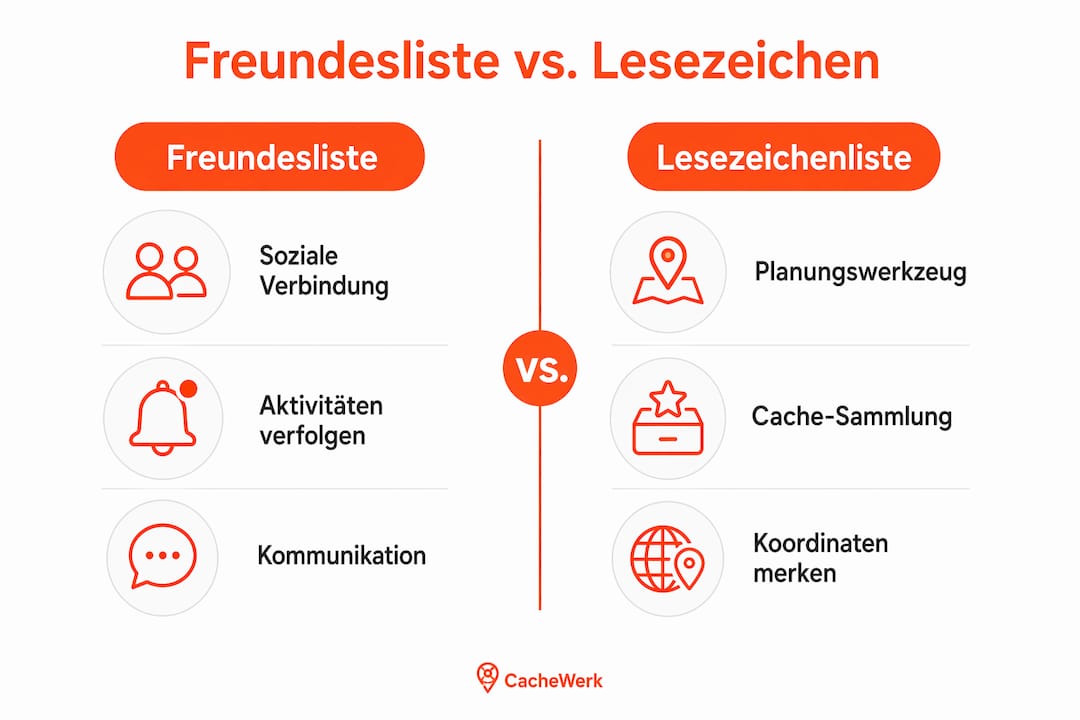
Both lists sound similar but serve completely different purposes.
| Feature | Friends List (Buddy List) | Bookmark List |
|---|---|---|
| Purpose | Social connection, tracking activities | Organization and planning of caches |
| Content | User profiles | Geocache entries |
| Offline use | No | Yes (Premium) |
| Collaborative | No | Yes, since 2025 (Premium) |
| Visibility | Profile-based | Private, shared, or public |
The bookmark list is your planning tool. You collect caches you still want to find, solve mystery coordinates, and save them for the next tour. Offline use is only possible here. Since 2025, there have also been collaborative bookmark lists: Multiple cachers can fill a list together. Editors can only be added from your own friends list. This feature is Premium-exclusive.
In short: Friends list for people, bookmark list for caches.
Where does the term "buddy list" come from?
Before Geocaching.com had its own friends list, many cachers turned to browser scripts. The best-known example is the GC VIP List, an unofficial script that locally marked contacts in the browser and displayed their names directly in the cache listing. Anyone opening a cache immediately saw if someone from their personal list had already found it.
These tools were popular because the platform itself did not offer a comparable feature at the time. They functioned independently of the platform backend and could be customized individually. The term "buddy list" likely stems from this era.
Today, the official friends list has taken over many of these functions. And with collaborative bookmark lists available since 2025, further community requests have migrated into the platform. Hardly anyone needs external scripts anymore.
Data privacy: What do your friends see on Geocaching.com?
Anyone who adds you to their friends list can see your public logs, your find count, and your public bookmark lists. Private lists remain invisible. This sounds harmless, but it has practical consequences.
Pro Tip: Check your account settings to see which bookmark lists are public. A list of your unfound mystery caches, including solved coordinates, should never be public.
Further rules of conduct for geocachers in Germany:
- Do not post private addresses or personal data in logs or profiles.
- Accept friend requests consciously. Anyone on your list sees your activities.
- Email notifications for @-mentions can be adjusted in account settings.
The Opencaching Wiki describes similar visibility rules for cache lists: private, shared, or public. Geocaching.com works similarly. Anyone wanting to protect their privacy should be aware of these settings.
Adding or removing a friend on Geocaching.com
- Open the profile of the geocacher you want to add.
- Click on the "Add as friend" button on the profile page.
- The cacher receives a notification and can accept or decline the request.
- To remove: Go to the profile, click the "Remove friend" button.
In the official Geocaching app, you can find friend management under the "Profile" menu item. The functions are similar to those on the website but displayed more compactly. Some settings, such as notification management, are more detailed on the website.
Pro Tip: For collaborative bookmark lists (Premium), you can add editors directly from your friends list. This only works if the person is already on your friends list. So: Add as a friend first, then invite to the list.
Anyone just starting with geocaching who doesn't have equipment yet will find practical starter bundles for beginners at Cachewerk, containing everything necessary for their first own caches.
Why is the friends list really worth it?
The leaderboard is not a toy. It is a real motivational driver. Anyone who sees that a friend has just caught up will plan their next tour faster. This friendly competition keeps activity levels high in local geocaching groups.
For team caches, the friends list is simply practical. You see immediately who is eligible as a "phone-a-friend" lifeline and save yourself a long search. Joint planning via geocaching communities becomes much more direct through the friends list. And social exchange, photos in logs, and @-mentions after a joint tour strengthen the sense of community. Geocaching is simply more fun in pairs or groups. By the way, for joint outdoor activities, there are also ideas for groups and families that can be easily combined with geocaching.
Key takeaways
The friends list on Geocaching.com is the central social tool for cachers who want to be active together.
| Topic | Details |
|---|---|
| Definition of buddy list | "Buddy list" is colloquial for the official friends list on Geocaching.com. |
| Core functions | Activity feed, leaderboard, @-mentions, and quick access to profiles. |
| Difference from bookmark lists | Friends list for contacts, bookmark list for cache planning and offline use. |
| Mind data privacy | Public logs and lists are visible to friends; check settings regularly. |
| Cachewerk tip | Those who cache with friends will find suitable gear for joint tours at Cachewerk. |
My assessment of the friends list
The friends list is underestimated. Many geocachers set it up once and then forget about it. Yet, there is more to it than a simple contact book.
What impresses me about developments in recent years: the platform has taken up genuine community requests. Collaborative bookmark lists, @-mentions, a real activity feed—these were things that used to require browser scripts. Today, it's all official. And that is exactly what shows how vibrant this community is.
What I still miss, however: a clearer separation between social features and planning tools directly in the app. Beginners don't immediately understand why there is both a friends list and a bookmark list and what the difference is. Geocaching.com could communicate this more clearly.
For everyone who caches regularly with others: use the friends list actively. Not just for adding, but for observing, planning, and motivating. The "phone-a-friend" effect alone justifies the effort.
Well-equipped for caching with friends
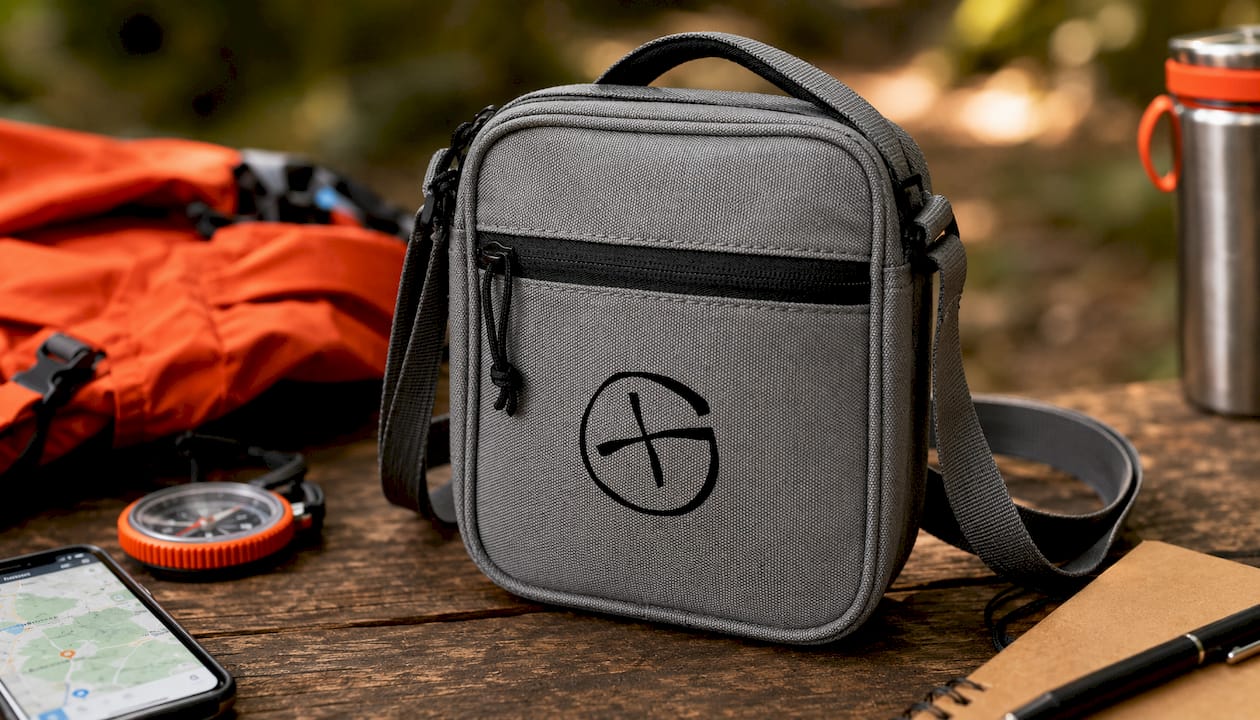
Those who are out and about with friends need the right equipment. The crossbody bag for geocachers from Cachewerk keeps logbooks, GPS units, and small parts within reach. For everyone just starting out or looking to get friends excited about geocaching: the Geocaching Starter Bundle 2 with a PETling, logbook, and hanger is the easiest entry into the world of your own caches. Everything you need to hide your first cache and send friends on the hunt. Check out the complete range at Cachewerk and find the right equipment for your next tour.