
Correctly maintaining Geocaching Logs: Step by Step
Logging correctly means: first, physically sign the logbook on site, then document it online as "Found." Without a handwritten signature in the container, a "Found" log is not valid according to the official Geocaching guidelines. If you didn't find the cache, log a DNF. If the container is damaged or the logbook is missing, you should also use "Needs Maintenance" (NM).
Mandatory information for every log:
- Date and time of the visit
- Cache condition (logbook dry, container intact?)
- Trackables if present: note down ID and log
- Photos optional, but without spoilers to the hiding spot
Key Takeaways
Logging correctly means: physically signing, choosing the right log type, and providing useful information to the owner.
| Topic | Details |
|---|---|
| Physical Signature | Without an entry in the logbook on site, a "Found" log is not valid. |
| Using DNF Correctly | A DNF with specific observations helps the owner more than no log at all. |
| Logging NM Additionally | "Needs Maintenance" never replaces "Found" — both logs are necessary. |
| Checking Offline Drafts | Always check the date and time after uploading. |
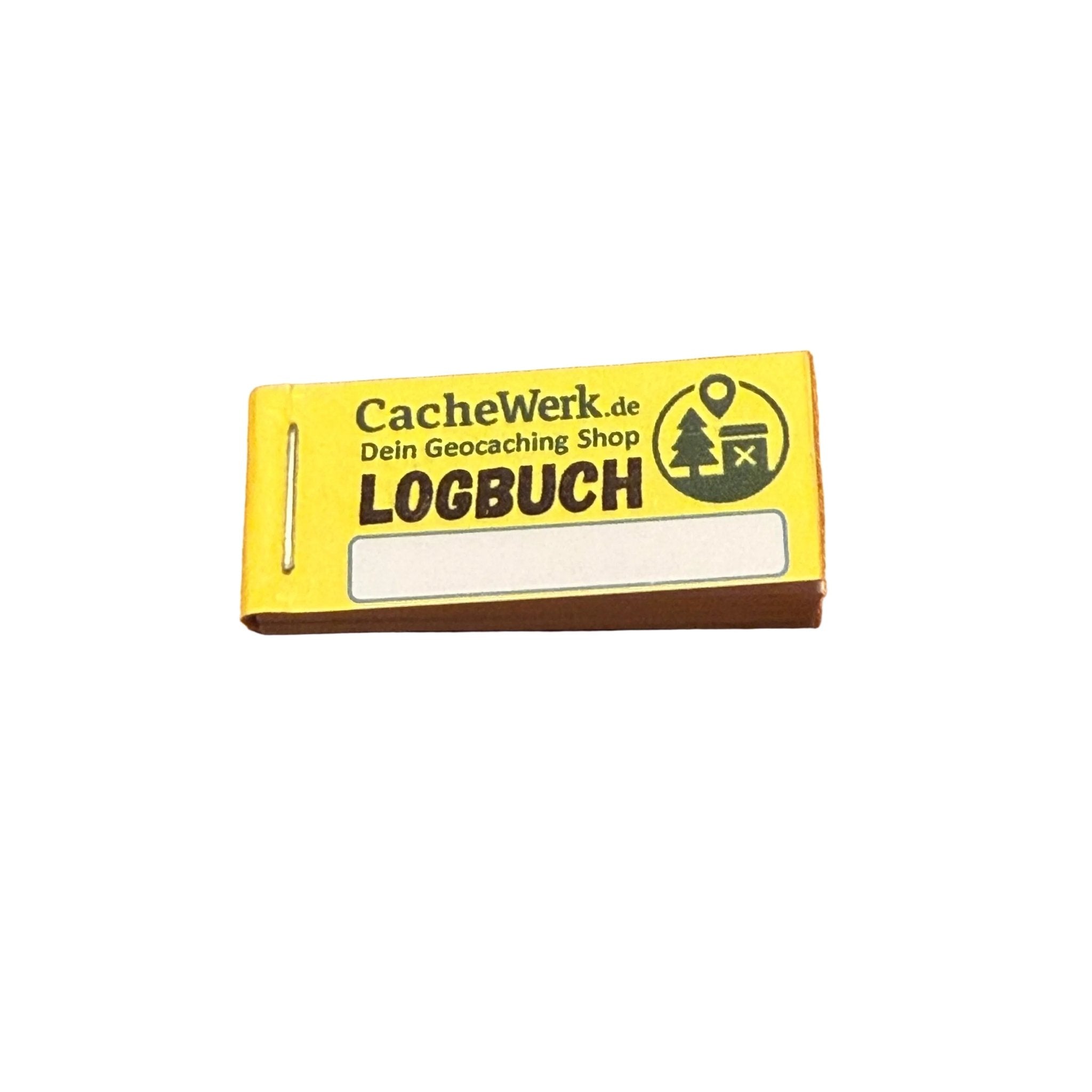
| Cachewerk Bundles | Starter Bundle 1 and 2 provide weatherproof logbooks and PETlings for quick maintenance. |
Table of Contents
- How does step-by-step logging work for a find?
- When and how do you log a DNF correctly?
- When do you need "Needs Maintenance" and what should it include?
- What applies to photos, trackables, and data protection?
- How does offline logging work on Geocaching.com and Opencaching.de?
- How do you correct a wrong log entry?
- Templates to copy: Found, DNF, NM, and owner requests
- What should cache owners do after DNF and NM reports?
- What I really recommend after years as a cacher
- Cachewerk products that support owners with logging
- Sources
How does step-by-step logging work for a find?
The geocaching step-by-step process follows a clear order. Here is the complete procedure:
- Physically sign the logbook — date, nickname, short note. This is the basic requirement.
- Take a photo (optional) — cache photo without spoilers, no exact location visible.
- Open the app (Geocaching.com app or Opencaching.de) or create an offline draft.
- Select log type "Found," check date and time.
- Write a short description — condition, brief find comment, no hiding place hints.
- Log trackables if you retrieved or placed any.
- Attach photos and send the log.
If you are offline, save the draft locally and upload it after you have network access. Important: check the date and time before uploading, as some apps set the timestamp of the upload, not of the visit.
Pro tip: Write in the short description how you experienced the cache — was the logbook still dry, were there muggles nearby? Such details help the owner and make the log worth reading for the community. Abbreviations like TFTC are common, but an extra sentence is always appreciated.
When and how do you log a DNF correctly?
A DNF (Did Not Find) is not a failure. It is valuable information for the owner and the community. According to the Opencaching Wiki, a DNF should always be logged if you have searched thoroughly and can provide important clues to the owner.
Before logging a DNF, quickly check:
- Have you read the latest logs from other geocachers? Perhaps there are hints about location changes.
- Have you really searched for long enough?
- Would a second search with an experienced fellow geocacher be useful?
If you still haven't found it after all this: log a DNF. Be honest, specific, and without blaming. Experienced geocachers see DNFs as a valuable contribution to quality assurance — not as a flaw.
Pro tip: A DNF is often the beginning of a better story. Many geocachers report that they found a cache on their second attempt after a DNF. Use the DNF as motivation, not as a defeat. Practical tactics for this: read earlier logs, bring a friend, or contact the owner directly — five proven ways help with this.
When do you need "Needs Maintenance" and what should it include?
"Needs Maintenance" (NM) is not a substitute for "Found". If you found the cache but it is damaged, you log both: first "Found", then additionally NM. Only if no container is present, "Found" is omitted. The NM status can only be reset by the owner.
A good NM log contains:
- Condition of the container (wet, damaged, completely missing)
- Visible damage or suspected cause (vandalism, weather)
- Photos without spoilers, but with clear documentation of the damage
- GPS deviations if the container appears to have been moved
- Access problems if the path is blocked or dangerous
In case of dangerous conditions or a missing container, log NM immediately. In case of clear damage, additionally contact the owner directly via the message function.
Pro tip: Photograph the damage from two angles. One image shows the overall condition, the second the detailed damage. Name the files meaningfully before uploading them — this makes it easier for the owner to quickly assess the situation.
What applies to photos, trackables, and data protection?
Photos in the log are optional but helpful. In Germany, clear rules apply.
Dos:
- Upload photos for condition documentation without revealing the exact location
- Log trackables with their unique identifier (tracking code)
- Upload images in a moderate file size
Don'ts:
- No exact hiding place hints in captions or metadata
- Do not publish personal data of other geocachers
- No photos of uninvolved persons without their consent (right to one's own image, §22 KUG)
- Do not "grab" trackables without having physically seen them
Copyright-wise: photos you take yourself belong to you. Using foreign images without permission is not allowed, even in the context of geocaching.
How does offline logging work on Geocaching.com and Opencaching.de?
No network in the field? No problem. Both platforms support offline drafts.
- Log offline — open the log screen in the Geocaching app or Locus Map, enter text, attach photos.
- Save as draft — the app saves the log locally. In Locus Map, you can find drafts under "Geocaching > Drafts."
- Find network access and open the saved drafts.
- Check date and time — some apps set the timestamp to the upload time.
- Upload and confirm that all fields are correct.
Important notes:
- Save photos locally before deleting them from the app
- Trackable logs may not be fully available offline in some apps — check after upload
- Opencaching.de drafts work similarly, the interface differs slightly from Geocaching.com
How do you correct a wrong log entry?
Wrong date, incorrect trackable handling, or a typo in the text — it happens. Here's how to proceed:
- Access the log and select "Edit."
- Adjust date, text, or images.
- Briefly explain what you changed in the comment (e.g., "Corrected date, visit was on May 3rd").
- Save.
You should only delete a log if it is misleading or refers to another cache. For major errors — such as an incorrectly logged trackable movement — additionally inform the owner via message.
- Edit is sufficient for: wrong date, typos, adding missing photos later
- Contact owner for: incorrectly recorded trackable, accidental DNF instead of Found, information affecting the cache status
Templates to copy: Found, DNF, NM, and owner requests
Short text blocks that you can adapt directly. Replace the placeholders in square brackets.
| Log Type | Template |
|---|---|
| Found (short) | "[Date], [Time] o'clock. Cache found, logbook dry and intact. Nice hide! TFTC." |
| Found (detailed) | "[Date] in [Weather]. Found after a short search. Container in good condition, logbook still has space. [Trackable ID] retrieved/placed. Thanks for the cache!" |
| DNF | "[Date], searched for approx. [Duration]. Unfortunately no find. Area [short description without spoilers] searched multiple times. Maybe next time!" |
| NM | "Found on [Date]. Container [Condition: wet/damaged/missing]. [Short damage description]. Photo attached. Please check." |
| Owner Request | "Hello [Owner Name], I searched for your cache on [Date]. [Short description of the problem]. Can you check it? Thanks!" |
For DNF: do not mention exact coordinates or hiding place hints. For NM: remain factual, no accusations.
What should cache owners do after DNF and NM reports?
As an owner, you rely on honest logs. Here's how to proceed systematically:
- Check logs and photos — is there a pattern? Multiple DNFs in a row are a clear signal.
- Confirm location — was the cache still there during your last check?
- Address safety-related issues first — immediately deal with blocked paths or hazards before repairing the cache.
- Reset NM status after successful maintenance — only you as the owner can do this.
- Communicate transparently — a short comment in the listing that you checked the cache helps the community.
Pro tip: Always have a spare logbook ready in your backpack. Anyone who regularly maintains caches knows: a soaked logbook is the most common reason for maintenance. With a weatherproof replacement logbook and a PETling as a backup, you can carry out many maintenance trips directly on site.
What I really recommend after years as a cacher
Many geocachers underestimate how much a well-written log means for the longevity of a cache. An honest DNF with concrete observations is often more valuable to an owner than ten short "TFTC" logs. And an NM log that includes photos and a clear damage description saves the owner an unnecessary trip.
What I've learned from practice: those who log consistently, including DNFs and NMs without hesitation, actively contribute to keeping caches in good condition longer. This is not an effort. It is community work that pays off for everyone.
Cachewerk products that support owners with logging
Anyone who regularly maintains caches knows the problem: the logbook is full, the container is leaking, and you don't have any replacement material with you. Cachewerk has practical solutions for this.
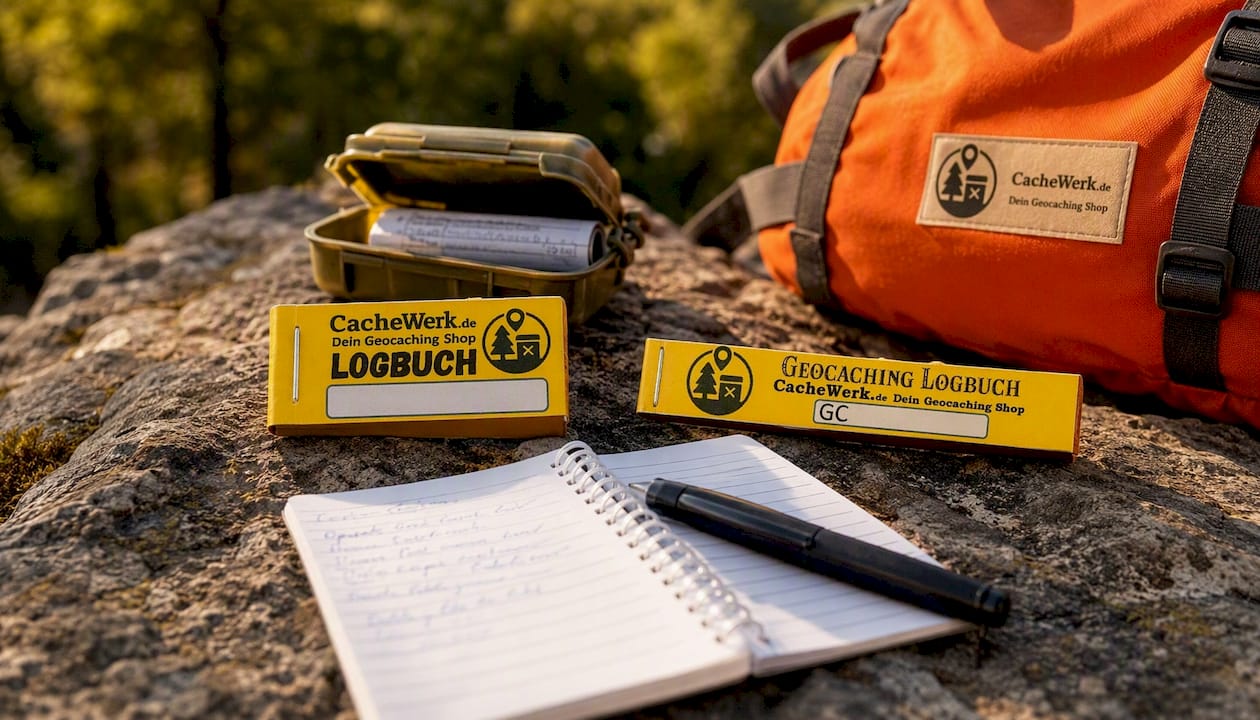
The Geocaching Starter Bundle 1 contains a PETling, a weatherproof logbook, and a holder — everything you need for a new cache or quick maintenance. The Geocaching Starter Bundle 2 comes with a different suspension and is well-suited for caches in exposed locations. And for those who are often on the go: The Crossbody Bag with Opencaching logo keeps a spare logbook, camera, and tools within reach. Check out the bundles directly in the Cachewerk shop and equip yourself for the next maintenance round.
Sources
- Geocaching Etiquette 201: Finding and Logging – Official Blog
- Log: Didn’t Find It – OpenCaching Wiki
- Geocache Etiquette